

Technical revision: 1 October 2026 · Educational material
This tutorial turns a simple moving-average crossing into a complete educational EA. Follow it at your own pace: installation, compilation and verification take longer when your broker has different symbol specifications. The source is a learning exercise, with no published profitability claim.
Make the rules explicit
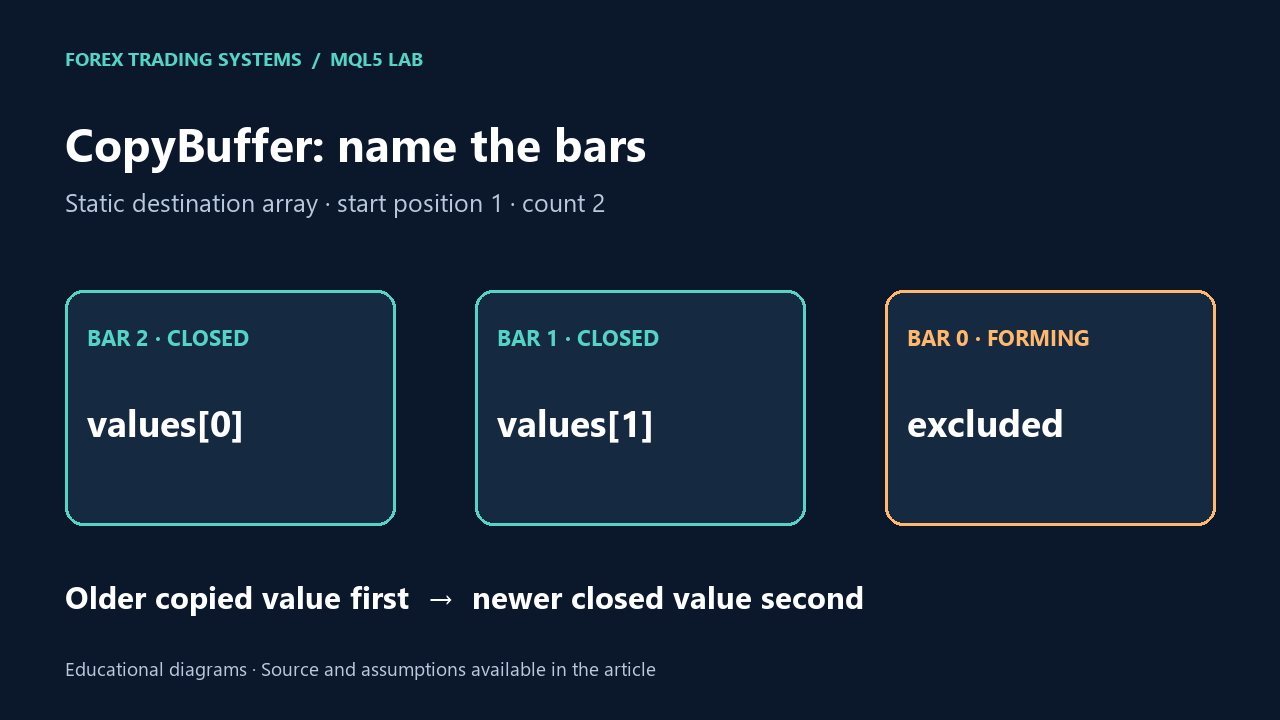
A buy signal occurs when the fast EMA was at or below the slow EMA on bar 2 and is above it on bar 1. A sell signal uses the opposite crossing. Bar 0 is still forming and does not participate. The EA checks the chart timeframe when a new bar begins.
The static arrays below contain the older copied value first. Reversing these indices reverses the crossing test. See the dedicated CopyBuffer explanation for a numerical example.
double fast[2], slow[2];
if(CopyBuffer(fast_handle,0,1,2,fast)!=2 ||
   CopyBuffer(slow_handle,0,1,2,slow)!=2) return;
bool buy_signal=(fast[0]<=slow[0] && fast[1]>slow[1]);
bool sell_signal=(fast[0]>=slow[0] && fast[1]<slow[1]);
Read the execution policy
The full FtsClosedBarMAEA.mq5 source is in the download. It creates and releases EMA handles, waits for sufficient data, checks both copied counts and rejects invalid values. It marks the bar processed only after a complete read. Once processed, a filtered or rejected entry is not retried on every tick.
- Trading starts disabled; demo or tester execution requires explicitly enabling it.
- Any existing position or pending order on the same symbol blocks entry, including manual trades.
- Stops and targets accompany the initial request. The EA does not deliberately create an unprotected position first.
- Prices follow tick size, volumes follow volume step, and the stop is checked against the current quote and the reported stops level.
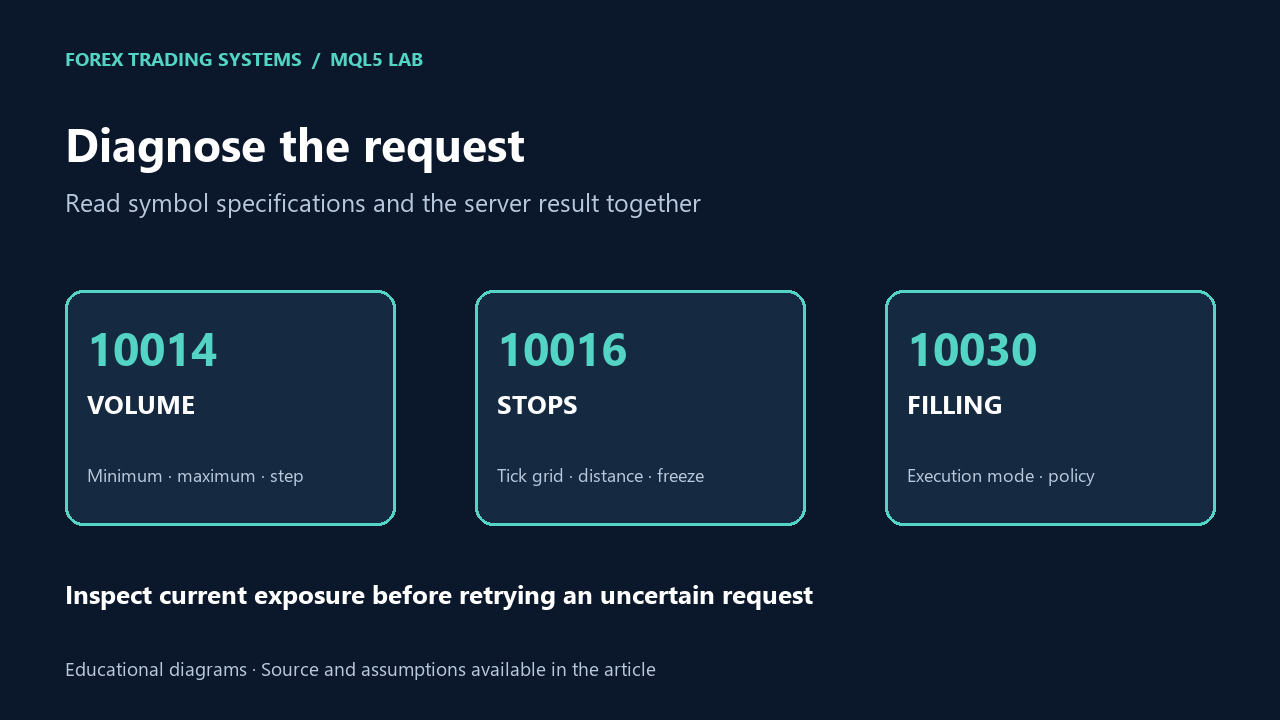
- The filling policy is selected from the symbol. Server feedback is logged.
Estimate risk without forcing the minimum lot
The included FtsRisk.mqh estimates the loss from entry to stop in account currency through OrderCalcProfit. It rounds volume down and returns zero if even the minimum volume exceeds the budget. An optional cost allowance is expressed in account currency per lot. This is an estimate: gaps, changing conversion rates, slippage, commission and swaps can change the realized result.
The default 0.25% input is an example parameter for testing the program, not a recommended personal risk level. Test the below-minimum case deliberately. An EA which increases the order to the minimum lot has changed the requested risk.
Do not confuse a request with a fill
bool sent=trade.Buy(volume,_Symbol,entry,stop,target,"FTS demo");
uint rc=trade.ResultRetcode();
if(!sent || (rc!=TRADE_RETCODE_DONE && rc!=TRADE_RETCODE_DONE_PARTIAL))
   Print("Fill not confirmed: ",rc," ",trade.ResultRetcodeDescription());
This excerpt belongs inside the full EA; it is not a standalone file. A partial fill is logged as partial execution, not treated as proof that the requested size was completely filled. A production system also needs transaction reconciliation and restart recovery.
Run a behavior test before a performance test
Compile both the EA and its local include in MetaEditor. In Strategy Tester, first leave trading off and examine signal timestamps. Then use a demo/test run to inspect volume, initial protection, exposure blocking and rejected requests. Record the terminal build, inputs, broker symbol and test dates. Use the validation checklist before drawing performance conclusions.
References: CTrade::Buy, symbol filling policy.



Your tutorial is one of the clearest “first EA” walkthroughs out there: it takes a complete beginner from opening MetaEditor to compiling, attaching, and backtesting a working MA-crossover robot, while still using professional building blocks like indicator handles, CopyBuffer(), and the CTrade class. What makes it especially valuable is that it doesn’t just dump code—it explains the EA lifecycle and the reasoning behind each design choice (like confirming crossovers using previous vs current bar).
[…] server result handling and transaction reconciliation. For an initial implementation follow the demo EA tutorial. Then verify missing-history behavior, reattachment and timeframe changes before evaluating trading […]